WoW Forever Spoken Player: AI Voiceover for Quests, Zones & Books
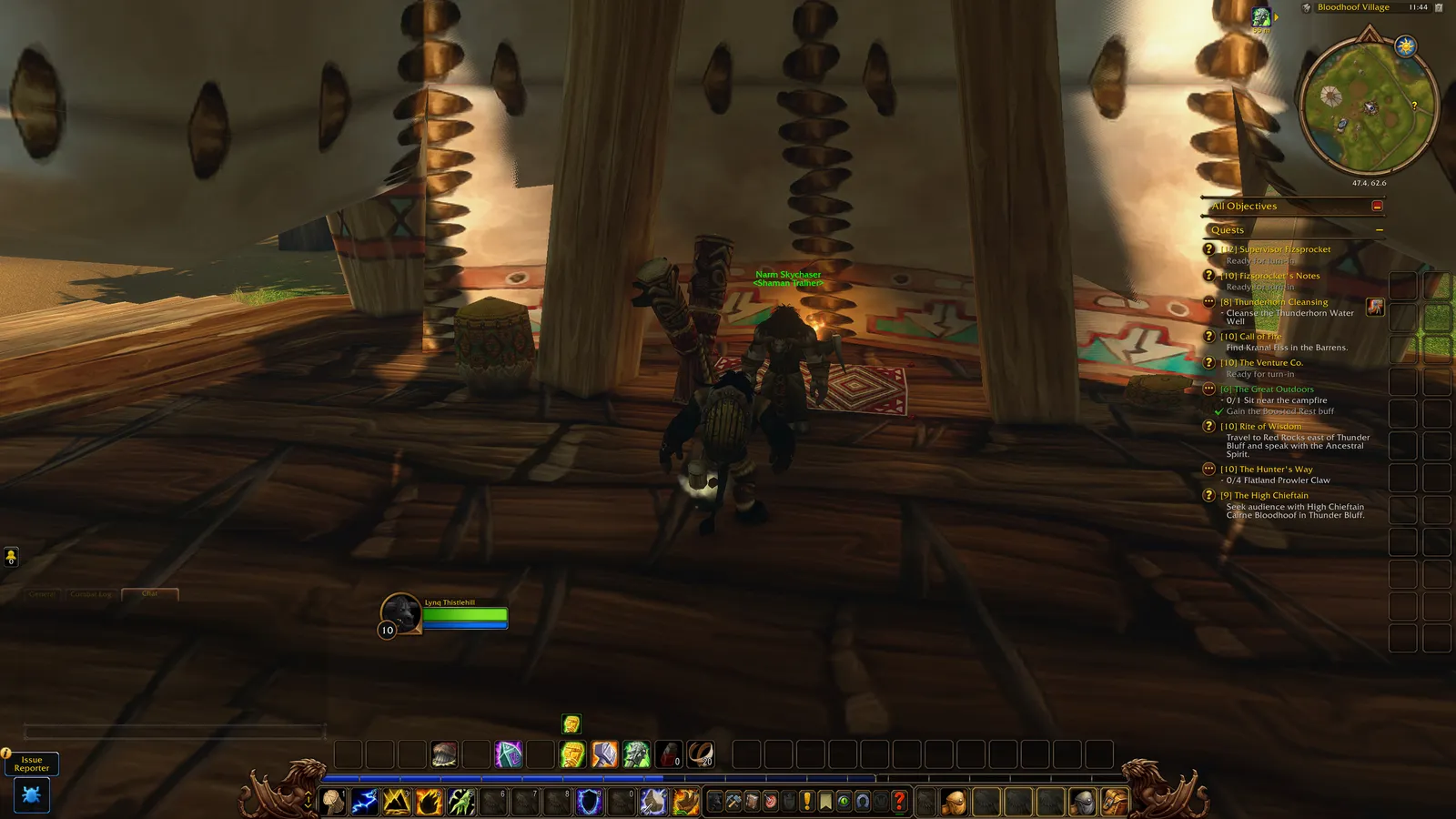
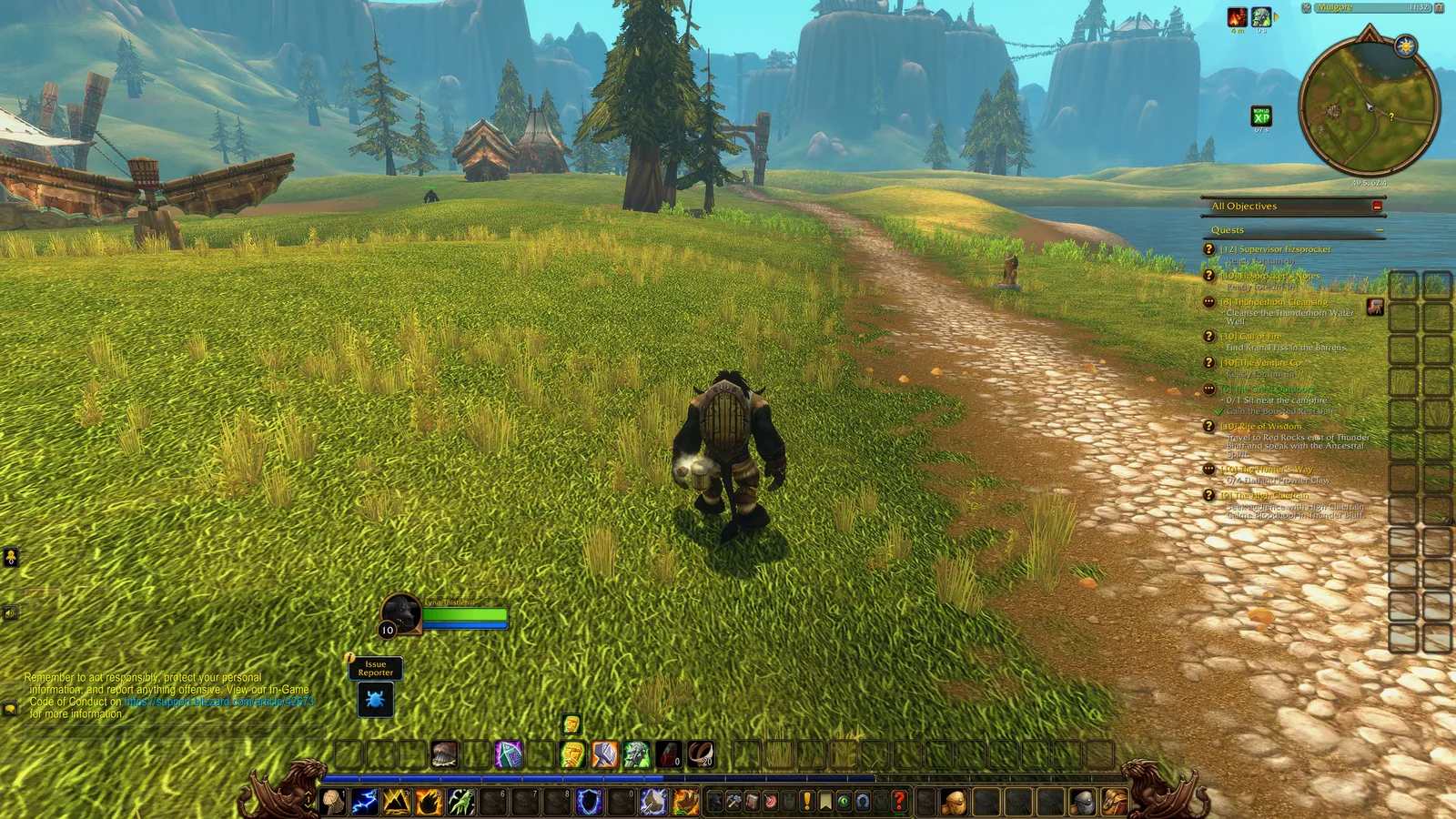
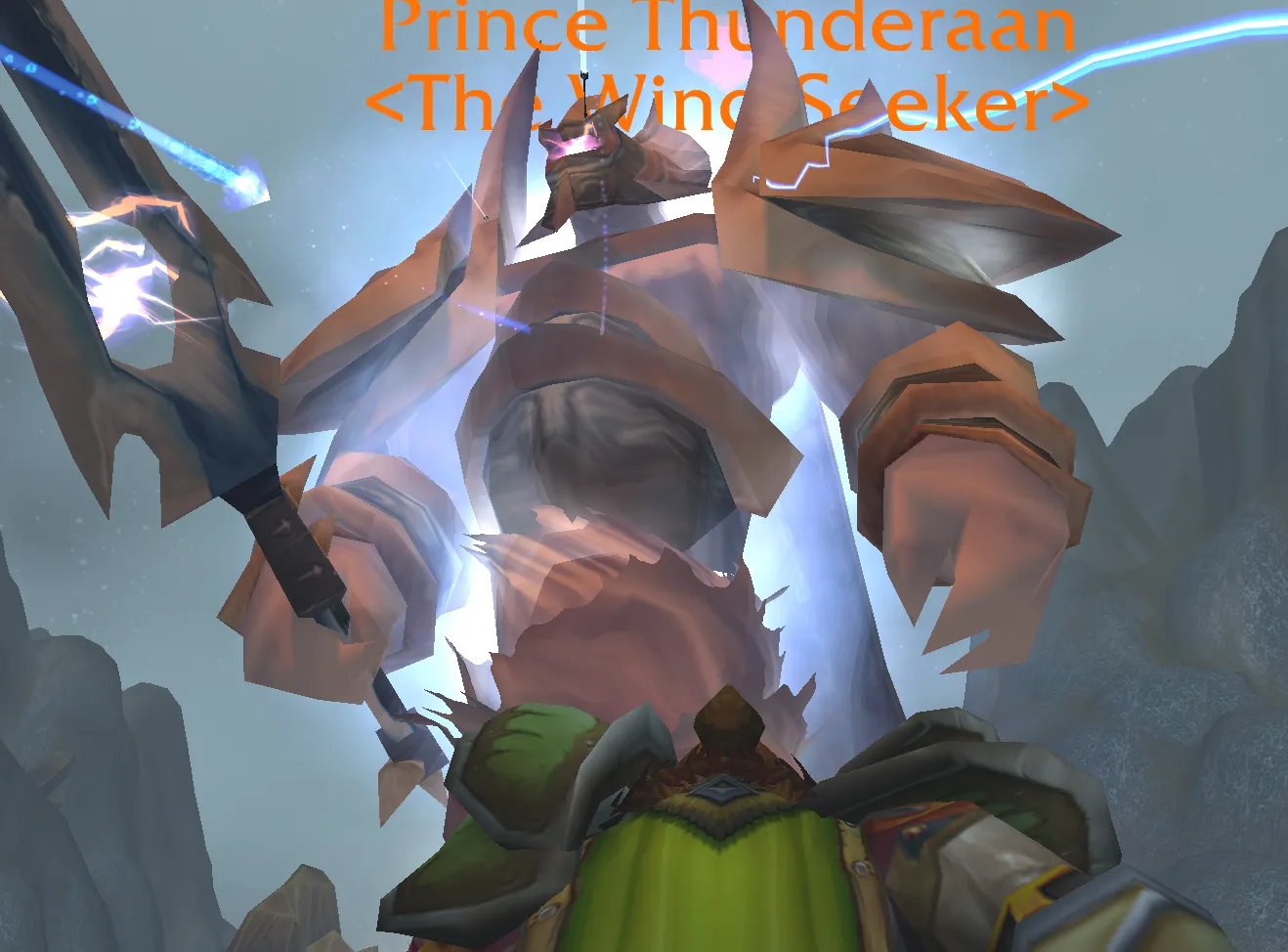
Spoken Player adds expressive, character-driven AI voiceover to WoW Forever and Classic. NPCs speak their quest text and gossip, zones tell their stories, and books read themselves aloud. Download it on CurseForge.
Our team covers it in the “WoW Forever: MAX IMMERSION MODE! (2 Addons You NEED)” video:

What makes the voices different
According to the addon’s page:
- Voices fit the character, not just race and gender: a dwarf warrior and a dwarf official don’t sound alike.
- A narrator reads quests from objects such as wanted posters, and stage directions like
are handled. - Sounds are performed, not spelled out: “hic” is a hiccup, not “asterisk hic asterisk”.
- Names and places are pronounced properly, using a pronunciation dictionary.
- A more natural performance throughout.
The three modules
Spoken Player has three modules, and each can be switched off in the settings. The voices are not included. Install the voice pack for each module you want to hear, or the addon stays silent.
| Module | Voices | Voice pack |
|---|---|---|
| Spoken Quests | Quest dialogue and NPC gossip | All, or Alliance, Horde, Shared or Gossip |
| Spoken Zones | Zone and area lore, on the world map | Spoken Zones Audio |
| Spoken Books | Books, letters, notes and plaques out in the world | Spoken Books Audio |
Want everything in English at once? The page offers Spoken Everything, which brings the addon and every English pack.
- Quests: the quest text plays as the dialogue opens, and NPC gossip and greetings are voiced too. Every quest in the log has a Play button.
- Zones: the story of each zone and area appears in a panel beside the world map, with a picture of the place. An area you discover for the first time is narrated once. Lore of Azeroth lets you browse every story without the map.
- Books: open a book and it reads every page in order, following you as you turn them. Your mail is never read.
Playback and display
- One queue: quest lines, zone stories and books wait their turn, so nothing talks over anything. You can Stop, Replay and Skip from the screen, the minimap button or a key binding.
- Display options: subtitles low on screen with the speaker’s picture, a small window, the large classic window, or voice only.
- The game makes room: music, ambience and NPC voices are turned down while a line plays.
- Interface languages: English, German, Spanish, French, Korean, Portuguese, Russian and both Chinese scripts.
Translations
Translated voice packs exist for deDE, esES, esMX, frFR, itIT, ptBR, ruRU, koKR, zhCN and zhTW. Zone and book packs are on CurseForge for most of these. The translated quest packs are not yet on CurseForge and are downloaded from GitHub Releases instead; itIT has quests only, and zhCN and zhTW have zones and books only. See the CurseForge page for the links, and the addon’s Discord for updates.
Settings and commands
Open the settings via Game Menu, Options, AddOns, Spoken, or with /sp options.
| Command | What it does |
|---|---|
/sp | Stop or replay the line |
/sp skip | Skip the current line |
/sp stop | Clear the queue |
/sp options | Open the settings |
/sp reset | Put the window and subtitles back in place |
/sp share | How to send gathered lines |
/spq, /spz, /spb | Each module’s own commands |
Coming from the separate downloads?
Spoken Quests, Spoken Zones and Spoken Books are no longer separate downloads. Install Spoken Player, then uninstall those and delete the SpokenQuests, SpokenZones and SpokenBooks folders from Interface\AddOns. Your voice packs keep working.
Installing in Forever
Make sure the file you pick is tagged for Forever, and that your addon manager installs into the Forever beta folder (see which addons work in WoW Forever).
Last checked 11 October 2026. The feature list above comes from the addon’s CurseForge description as supplied by our team; we have not tested every module ourselves.
Sources: Spoken Player on CurseForge, Team Overpowered video, request by Lynqoid (Team Overpowered).
Frequently asked questions
What is Spoken Player?
Spoken Player is an addon that adds AI voiceover to quests, NPC gossip, zone lore and books. It covers WoW Forever and Classic.
Does Spoken Player include the voices?
No. You install a voice pack for each module you want to hear, or the addon stays silent.
Does Spoken Player work in WoW Forever?
Yes. Its CurseForge page describes it as voiceover for WoW Forever and Classic, and version 2.0.0 lists Forever client 1.60.1.
How do I open the Spoken Player settings?
Go to Game Menu, Options, AddOns, Spoken, or type /sp options.